A desktop for every bot
Watch a bot work on its own screen, and take over whenever you like.
 StellarCortex
Create bots, talk to them, and let them work together. Each bot gets its own desktop, and you pick the AI behind it.
A desktop for every bot
curl -fsSL https://stellarcortex.avitwil.io/install.sh | bash
The server runs on Linux. To use it from Windows, get StellarCortex Desktop. You need Node.js 22.16 or later and access to an AI model.
Before you connect a provider, check its current terms of use. Terms can change, and following them is your responsibility. StellarCortex is independent, and not affiliated with or endorsed by any provider.
Watch a bot work on its own screen, and take over whenever you like.
They chat, hand tasks to each other, and keep work moving on a Kanban board.
Connect ChatGPT, Claude, an API key or a local model, and pick one for each bot. MCP servers are supported too.
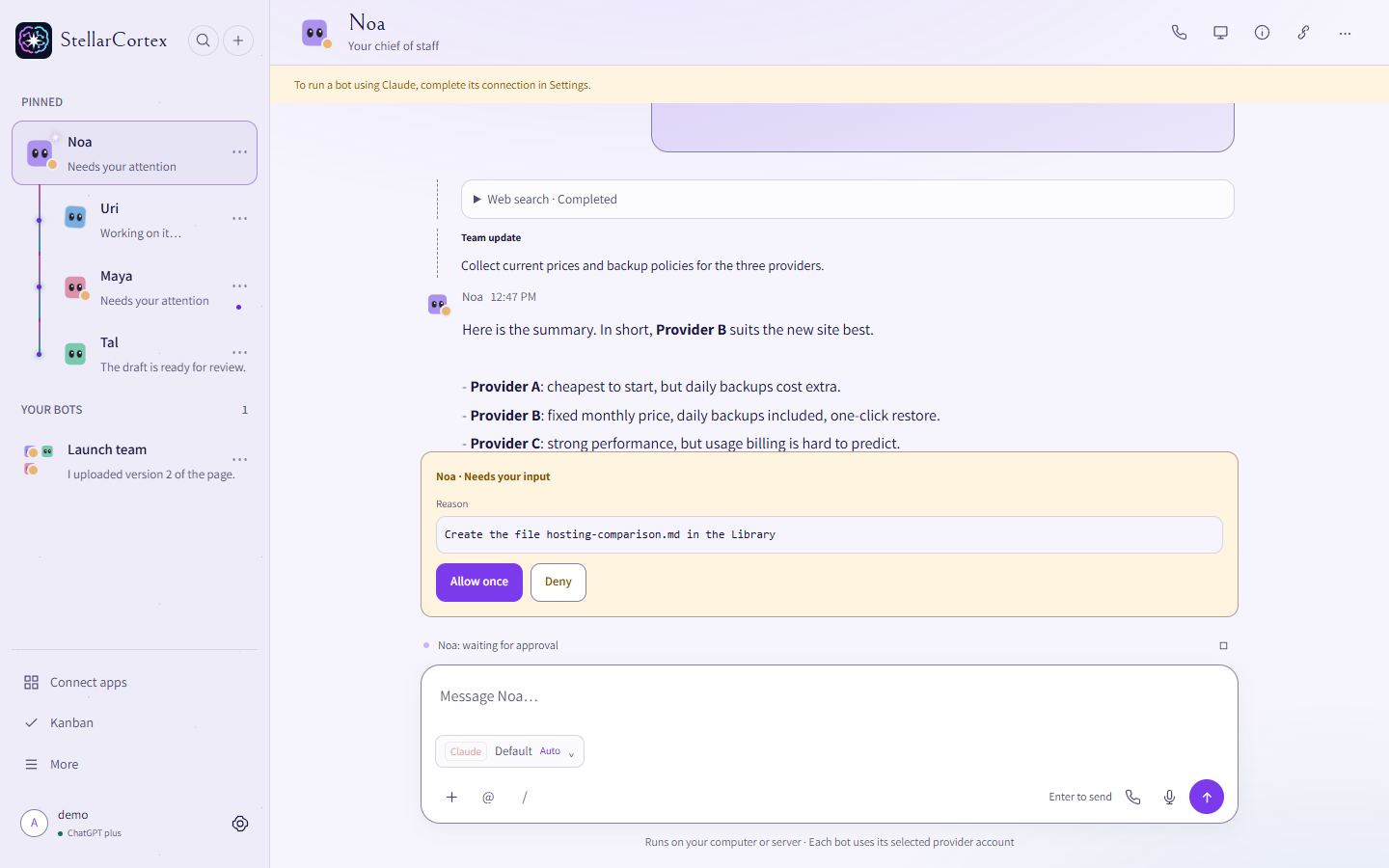
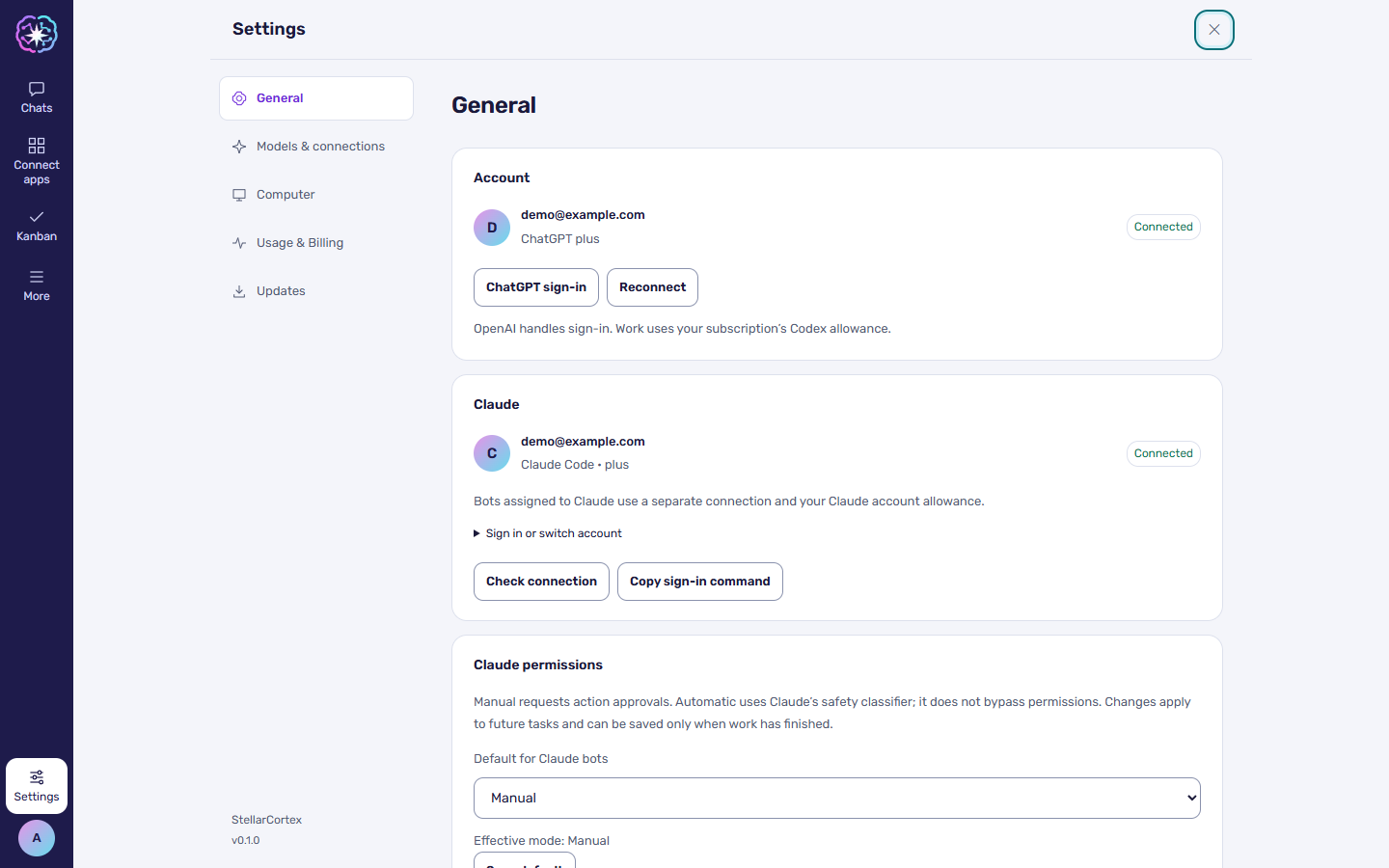
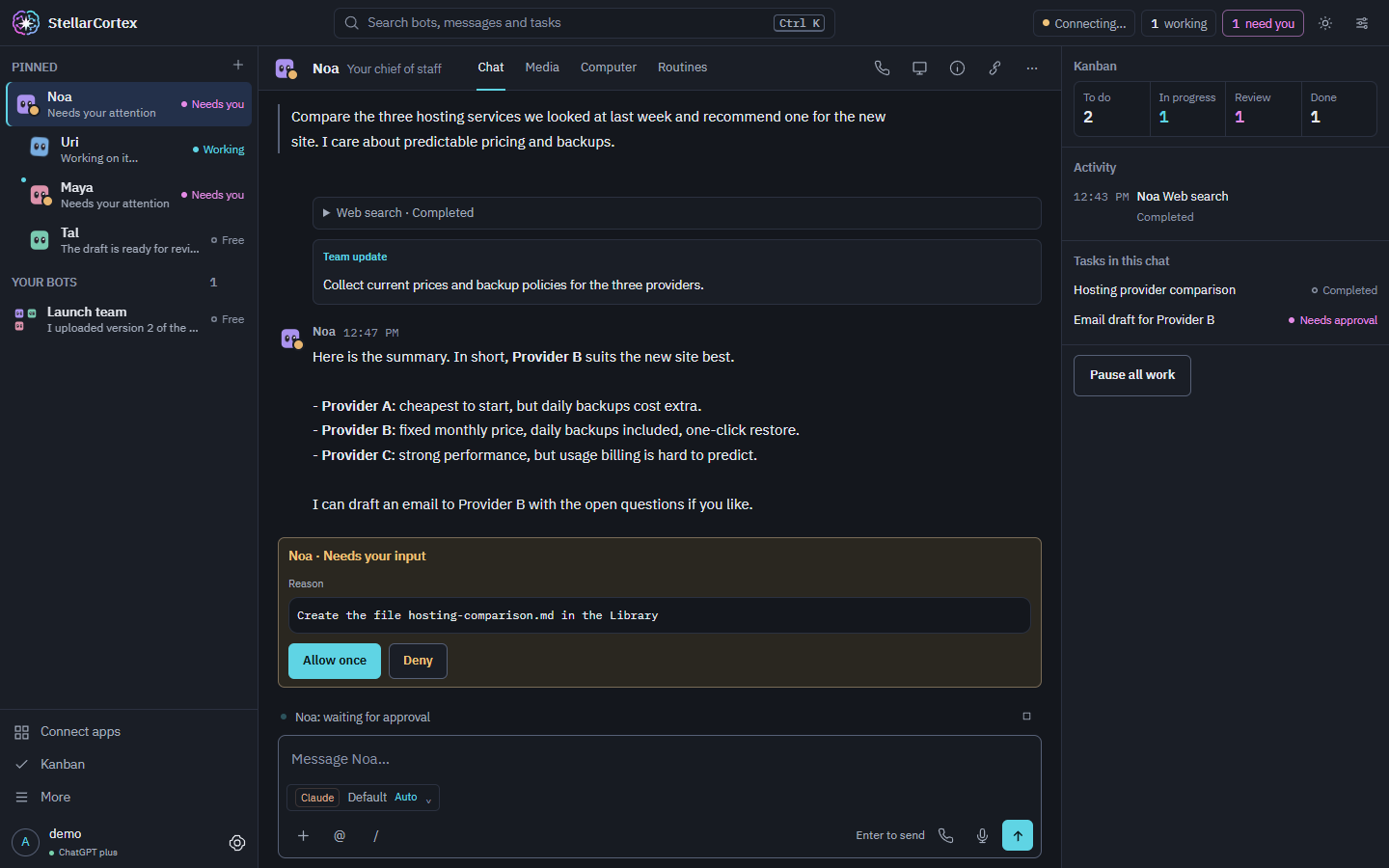
Screenshots use sample data.
The simplest start.
git clone https://github.com/avitwil/stellarcortex.git && cd stellarcortex && bash install.sh --serviceBots keep working around the clock on a VPS from a host such as Hostinger, and you reach them privately. Check that your plan supports KVM.
The Hostinger link is an affiliate link. The project may earn a commission, at no extra cost to you.
git clone https://github.com/avitwil/stellarcortex.git && cd stellarcortex
STELLARCORTEX_TAILNET_UI_URL=https://your-machine.your-tailnet.ts.net/ bash install.sh --service
sudo tailscale serve --bg --https=443 unix:$HOME/.stellarcortex/tailscale-ui.sockOpen it from any device on a network you trust.
git clone https://github.com/avitwil/stellarcortex.git && cd stellarcortex
STELLARCORTEX_BIND=192.168.1.50 STELLARCORTEX_PUBLIC_URL=http://192.168.1.50:4317 bash install.sh --service
Warning: Keep the app off the public internet.
Checked on 5 November 2026. Products change, so follow the source links.
| StellarCortex | Hermes Agent | Grok Bot | OpenMausBot | |
|---|---|---|---|---|
| Bot teamwork | Group chats, hand-offs, Kanban board Source | Subagents and group chats Source | Group chats and hand-offs Source | Bots and channels Source |
| Choice of model for each bot | Yes: ChatGPT, Claude, API keys or local models Source | Nous Portal, OpenRouter, OpenAI or any endpoint Source | Unknown Source | Yes: Claude, Codex or Grok CLIs, or an OpenAI-compatible endpoint Source |
| Shared computer, with a workspace for each bot | Yes: one virtual computer, a desktop for each bot Source | Runs on your machine Source | Cloud computer. xAI’s pages describe one for each bot and one for each account Source Source | For each bot: cloud desktop, local VM or your computer Source |
| Cost | Free. AI provider costs are separate Source | Free. Optional Nous Portal plans, $20 to $200 a month Source | Included in X, SuperGrok and Cursor plans. X Premium is $30 a month Source Source | Free. Optional cloud computers are paid Source |
| Hebrew support | Yes, full interface Source | Through a community language pack Source | Unknown Source | Unknown Source |
| Open source | Yes, MIT Source | Yes, MIT Source | No public code found Source | Yes, Apache-2.0 Source |
| Easy-to-use interface | Web app in your browser Source | Desktop app, terminal, messaging apps Source | Desktop and mobile apps Source | Desktop app, web UI, command line Source |
Loading versions…